How to Generate a Unique ID with String Prefix in Zoho Creator
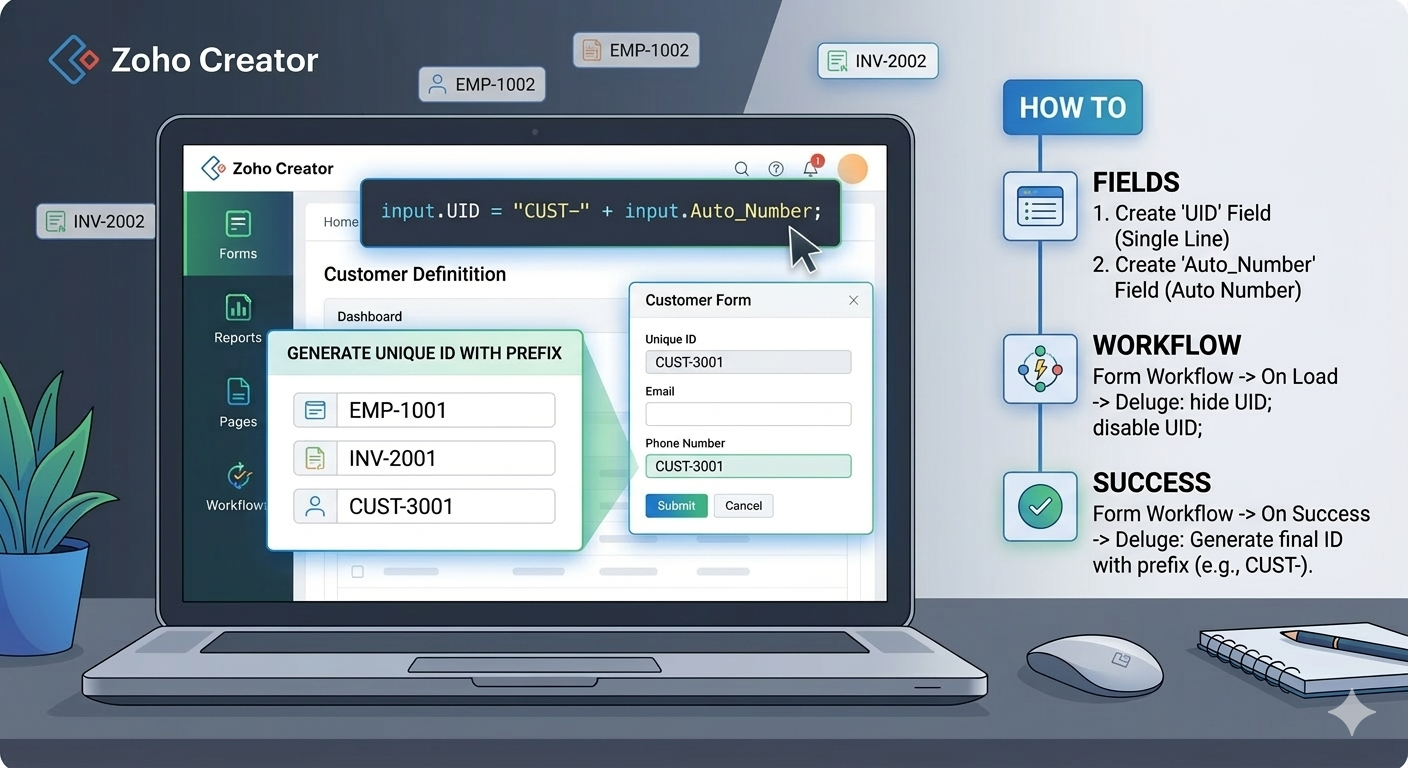
Generating a custom unique ID with a string prefix in Zoho Creator is simple and effective using Auto Number fields and Deluge scripting. This method helps businesses maintain clean, structured, and human-readable IDs for records such as employees, customers, invoices, and projects etc.
- EMP-1001 for Employees
- INV-2001 for Invoices
- CUST-3001 for Customers
In Zoho Creator, this can be easily achieved by combining an Auto Number field with a custom string prefix using Deluge scripting.
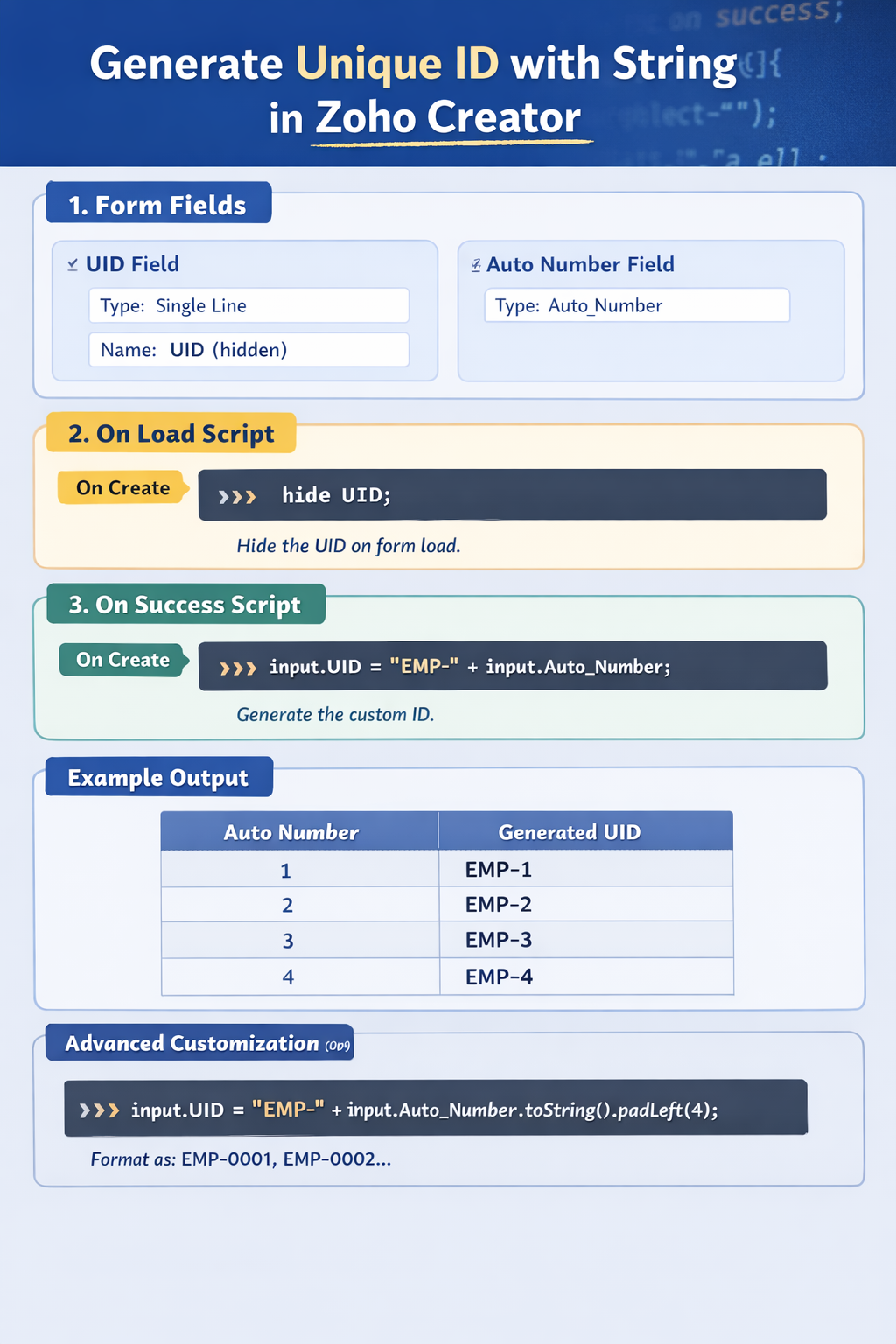
Step 1: Create the Required Fields in the Form First, create the following fields in your Zoho Creator form.
1. UID Field
- Field Name: UID
- Field Type: Single Line
2. Auto Number Field
- Field Name: Auto_Number
- Field Type: Auto Number
Step 2: Hide the UID Field When the Form Loads
Since the UID will be generated automatically, we should hide it from the user when the form loads.
Create a workflow:
Workflow Type:
Form Workflow → On Load
Condition: On Create
Deluge Script:
hide UID;
disable UID;
Step 3: Generate the Custom Unique ID on Form Submission
Now we will generate the final ID with a prefix after the form is successfully submitted.
Create another workflow.
Workflow Type:
Form Workflow → On Success
Condition: On Create
Deluge Script:
input.UID = “EMP-” + input.Auto_Number;