
How zc_LoadIn Works?
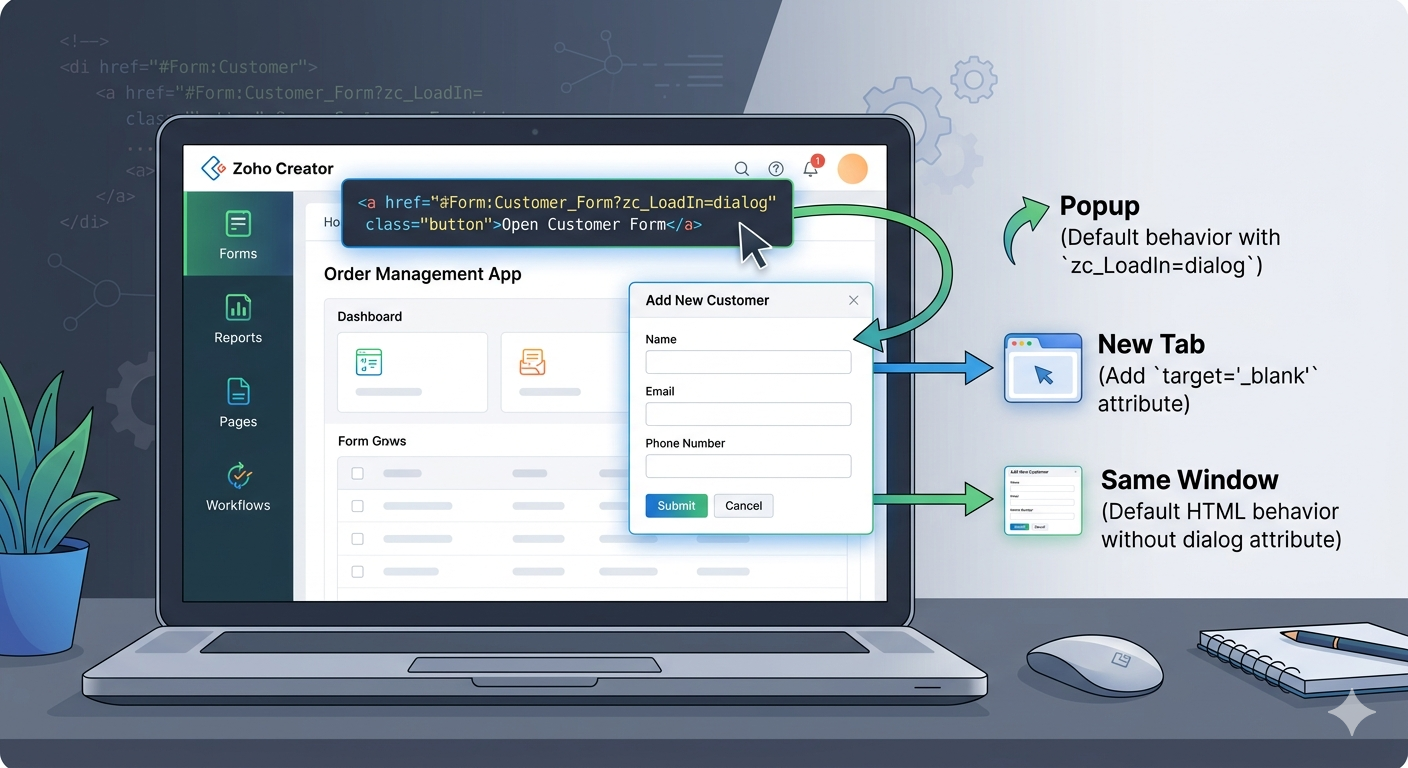
Understanding the zc_LoadIn Parameter in Zoho Creator
The zc_LoadIn parameter in Zoho Creator is used to control how and where a form, report, or page opens when a link is clicked. It is typically used in custom anchor tags (<a>) or buttons inside HTML views, reports, or pages. By setting this parameter, developers can define whether the link should open in the same window, a popup, a new tab, or within a specific container.
When you create a link in Zoho Creator that points to a form or report, you can add the zc_LoadIn parameter to specify the display behavior. For example:
<a href=”#Form:Customer_Form?zc_LoadIn=dialog”> Open Customer Form </a>
Why Use zc_LoadIn
Using the zc_LoadIn parameter helps improve the user experience and navigation flow in Zoho Creator applications. Instead of redirecting users to different pages, you can show forms, reports, or records in popups or embedded views, which is ideal for dashboards, quick previews, and multi-step workflows.