
How to Get Financial Year Using Deluge in Zoho Creator (Step-by-Step Guide)
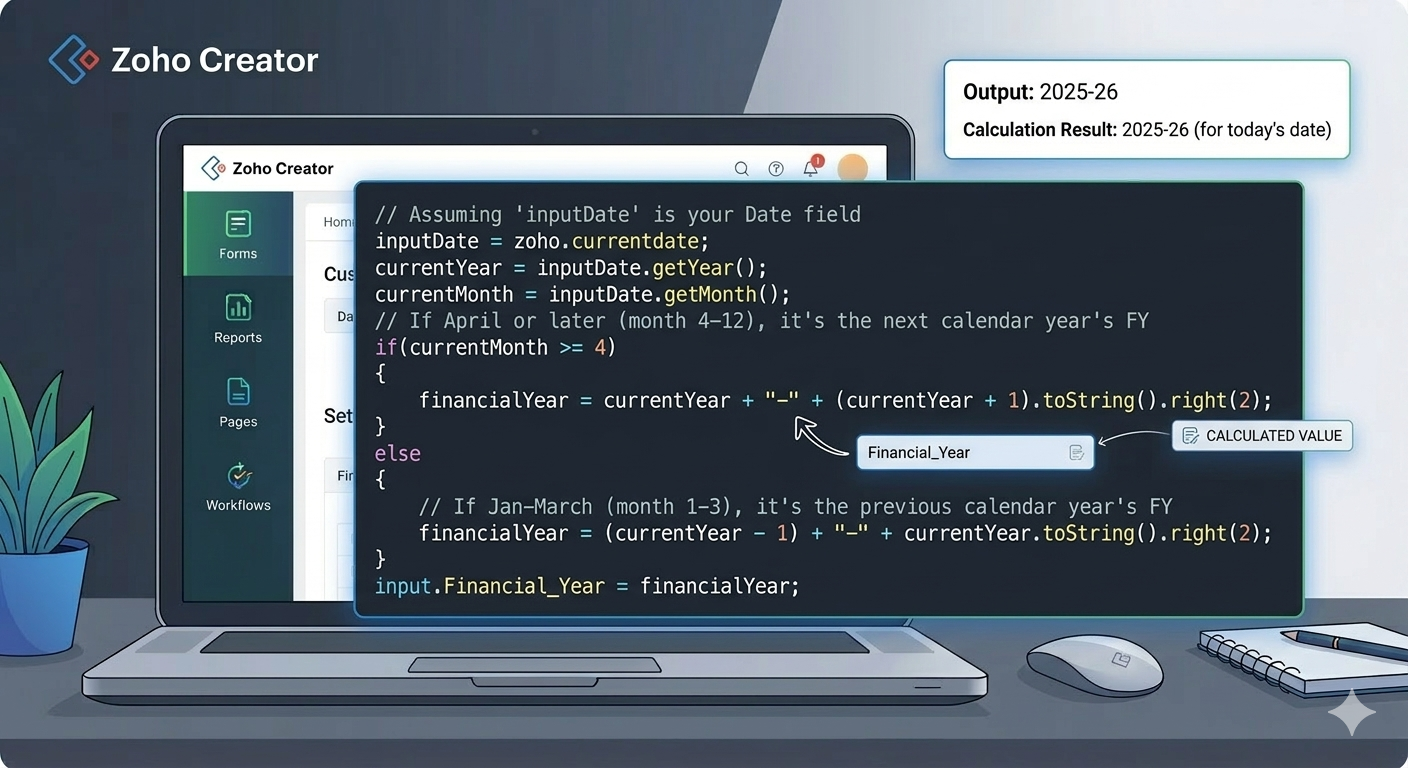
In many business applications such as accounting systems, invoice management, and ERP applications, the financial year (FY) is an important field for organizing records.
For example, in India the financial year runs from:
April 1 → March 31
So:
- April 2025 → March 2026 = FY 2025-26
- April 2024 → March 2025 = FY 2024-25
When building applications in Zoho Creator, we often need to automatically calculate the financial year based on the current date. This can easily be done using Deluge scripting.
In this blog, we will learn how to generate the financial year automatically using Deluge.
Why Financial Year Automation is Important ?
Automatically calculating the financial year helps businesses:
- Organize records properly
- Generate reports based on FY
- Track invoices and transactions
- Avoid manual entry errors
- Maintain consistent accounting data
For Example:
| Date | Financial Year |
| 10 May 2025 | 2025-26 |
| 15 February 2026 | 2025-26 |
| 01 April 2024 | 2024-25 |
Step 1: Create a Financial Year Field
First, create a field in your Zoho Creator form –
Field Name: Financial Year
Field Type: Single Line
This field will store the calculated financial year like 2025-26.
Step 2: Write Deluge Script to Calculate the Financial Year
Now we will create a Deluge script that calculates the financial year based on the current date.
You can add this script in:
Form Workflow → On Load / On Success
Deluge Script
// Assuming ‘inputDate’ is your Date field
inputDate = zoho.currentdate;
currentYear = inputDate.getYear();
currentMonth = inputDate.getMonth();
// If April or later (month 4-12), it’s the next calendar year’s FY
if(currentMonth >= 4)
{
financialYear = currentYear + “-” + (currentYear + 1).toString().right(2);
}
else
{
// If Jan-March (month 1-3), it’s the previous calendar year’s FY
financialYear = (currentYear – 1) + “-” + currentYear.toString().right(2);
}
input.Financial_Year = financialYear;
// Output example: 2025-26
How the Script Works ?
Let’s break down the logic.
Step 1 – Get the Current Date
inputDate = zoho.currentdate;
This retrieves the current system date.
Step 2 – Extract Year and Month
currentYear = inputDate.getYear();
currentMonth = inputDate.getMonth();
Example:
Date → 15 May 2025
- Year → 2025
- Month → 5
Step 3 – Apply Financial Year Logic
If the month is April or later, the financial year starts from the current year.
Example:
May 2025
Financial Year: 2025-26
If the month is January to March, the financial year belongs to the previous year.
Example:
February 2025
Financial Year: 2024-25
Example Output:
| Date | Month | Financial Year |
| 10 April 2025 | 4 | 2025-26 |
| 20 August 2025 | 8 | 2025-26 |
| 15 January 2026 | 1 | 2025-26 |
| 10 March 2026 | 3 | 2025-26 |
Where This is Useful in Zoho Creator
This script is commonly used in applications like:
- Invoice Management Systems
- Accounting Applications
- ERP Systems
- Purchase Order Management
- Financial Reporting Systems
By automatically generating the financial year, your application becomes more intelligent and reduces manual work.
Conclusion:
Using Deluge scripting in Zoho Creator, you can easily automate the calculation of the financial year based on the current date. This helps maintain accurate records and ensures that transactions are always associated with the correct financial period.
With just a few lines of Deluge code, you can automatically generate financial years like:
- 2024-25
- 2025-26
- 2026-27
This small automation can greatly improve the efficiency and reliability of business applications built on Zoho Creator.